Trace & risk map, agent flow
Trace & risk map
Section titled “Trace & risk map”The Trace & risk map opens as its own page from the report. It shows every turn, every call and every tool step of the chat, so you can follow what the agent actually did.
- Light up one kind of step to check: for example pushes, installs, secrets or network calls.
- Zoom and move around a long chat.
- Export the map as PDF or Excel to keep or share.
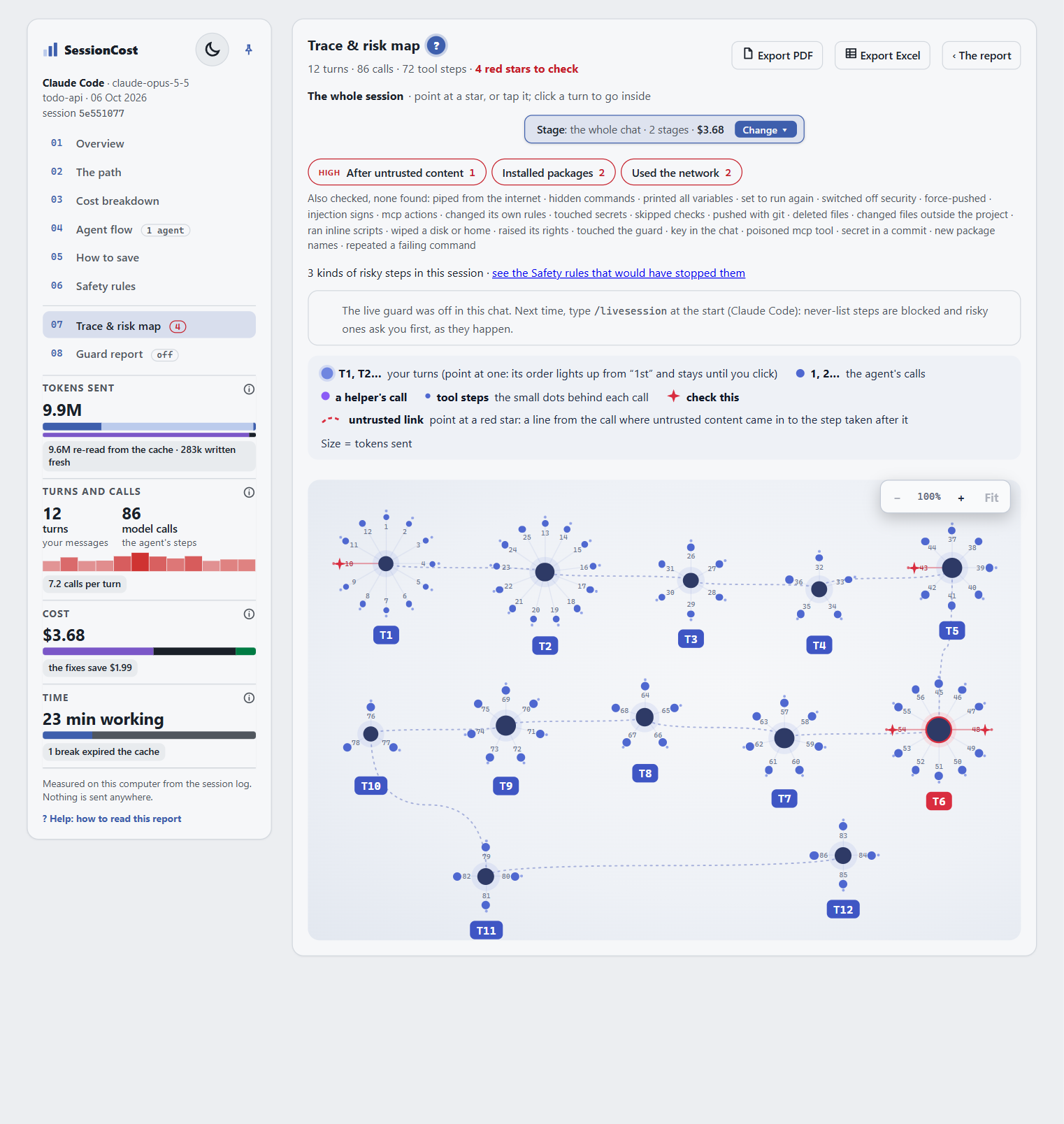
Risky steps are marked. When the guard was on, its decisions (blocked, asked) show here too.
Agent flow
Section titled “Agent flow”When the main agent started helper agents (subagents), Agent flow shows each one: who started it, its task, what it touched, and what it handed back. Files one agent changed and another read shows where their work met.
Helpers cost tokens too: each one sends its own Step 0 and its own chat. Agent flow shows whether a helper was worth it.